Transform Your Text into Handwriting
Watch a 3-minute demoHandtextAI turns typed text into handwritten-style pages for study notes, assignments, letters, and cards. Choose a handwriting font, adjust the layout, and preview a clean printable page or a notebook-style image.
Quick guide
- Type or paste your text here
- Handwriting appears here
- Download when ready
- Type your text
- Open Preview
- Tap Download
Free preview and download options
Preview your layout without an account. Free previews carry a watermark. New accounts receive five page credits once, which can be used to download pages made with Free features.
Downloads require sign-in, enough page credits, and access to the selected features. Downloaded files have no watermark. Paid previews can still show a watermark if you select features above your plan.
| Plan | Page credits | Exports and included features |
|---|---|---|
| Free | 5 once | Standard-quality JPG |
| Starter | 150 per month | Standard-quality JPG; document import |
| Pro | 600 per month | JPG, PNG and PDF; HD quality |
| Premium | 2,000 per month | Pro exports plus 4K quality; custom font upload |
Paid allowances shown here apply to monthly subscriptions. See pricing for annual billing and full plan details.
Compare plansSee the generated page and the printed result
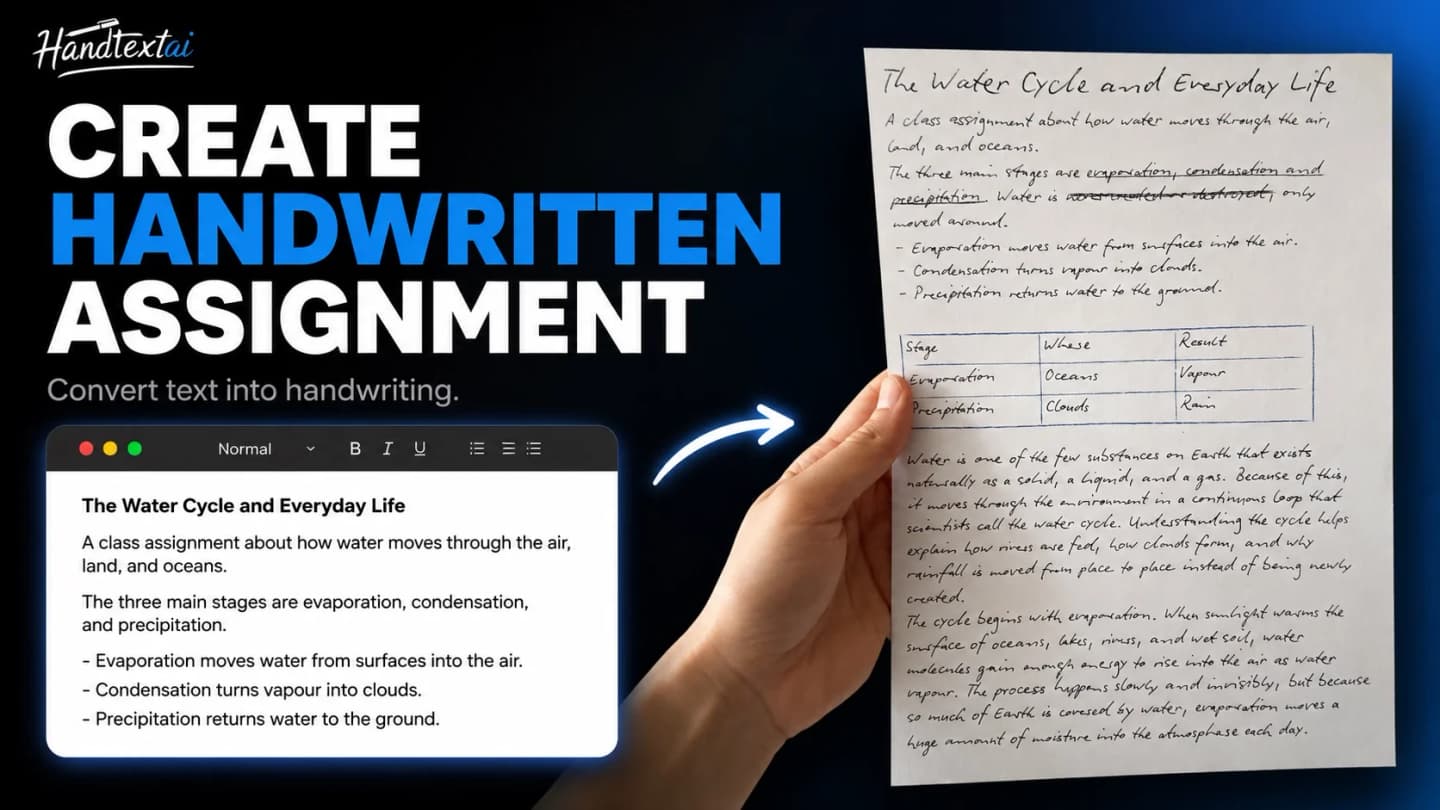
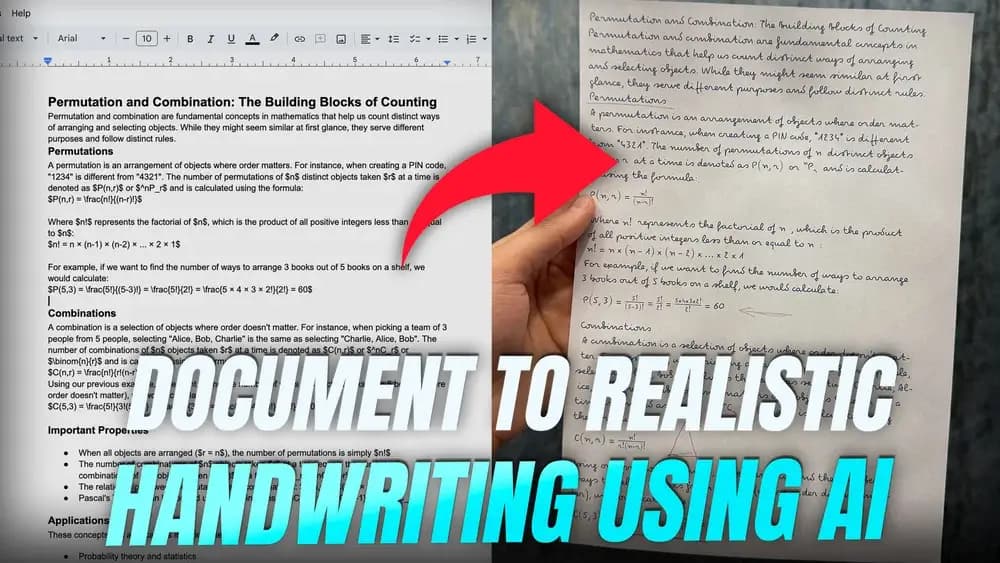
These examples pair HandtextAI output with photographs of the printed pages. The text in your editor stays yours when you apply an example’s settings.
Assignment pages
A three-page assignment on college-ruled paper, using Font 7 and US Letter format.
Math notes
Equations on 5 mm grid paper, using Font 81 and A4 format.
A short note
A 4 × 6-inch note shown in Fonts 42, 2 and 7. The settings button applies Font 42.
These examples use Pro features. You can preview their settings; downloading requires Pro or Premium and page credits.
Choose Print or Photo
Compare output modes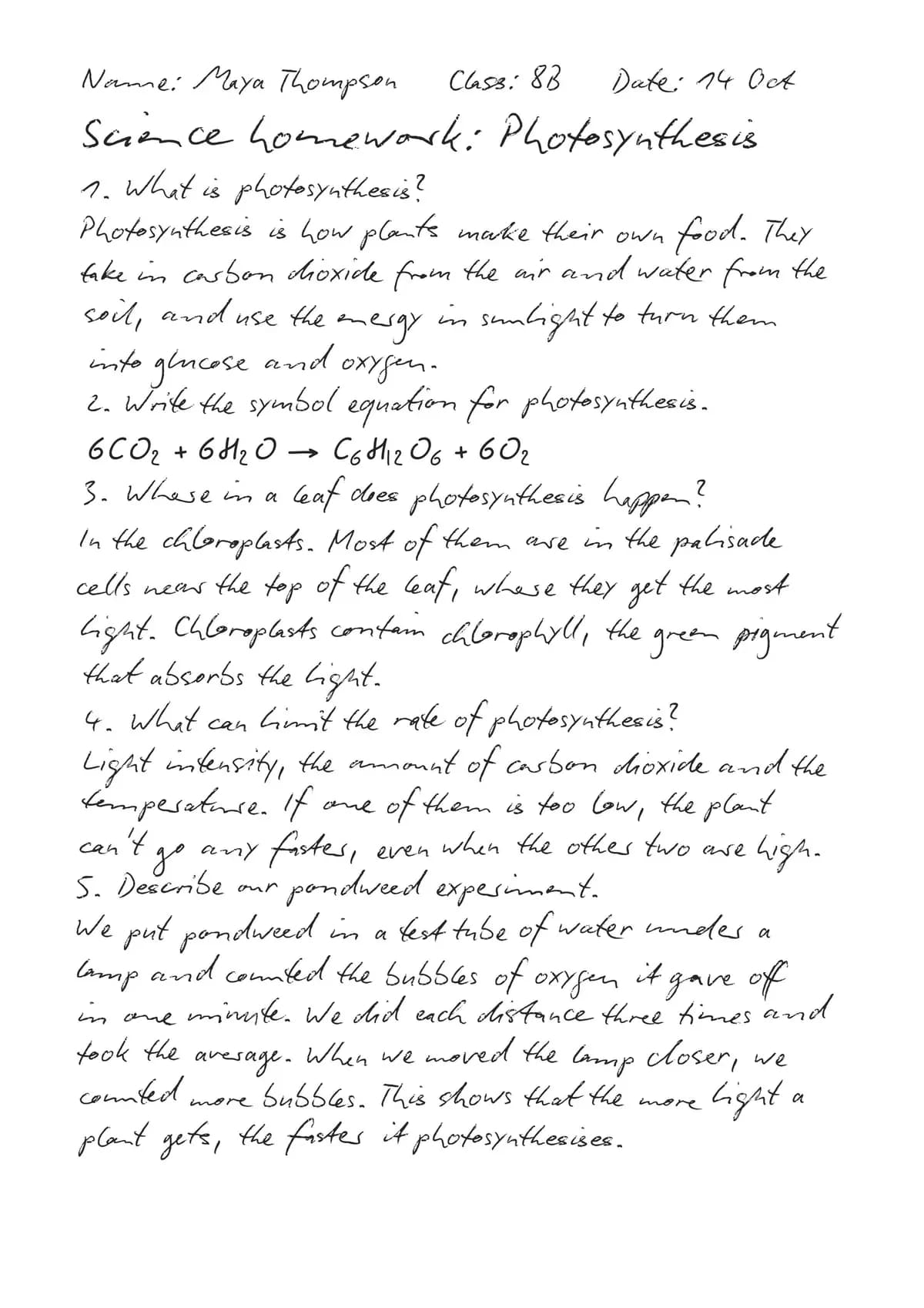
Create a flat page for printing or sharing as a document. Adjust margins and spacing, then check the paper size and printer scaling before printing.
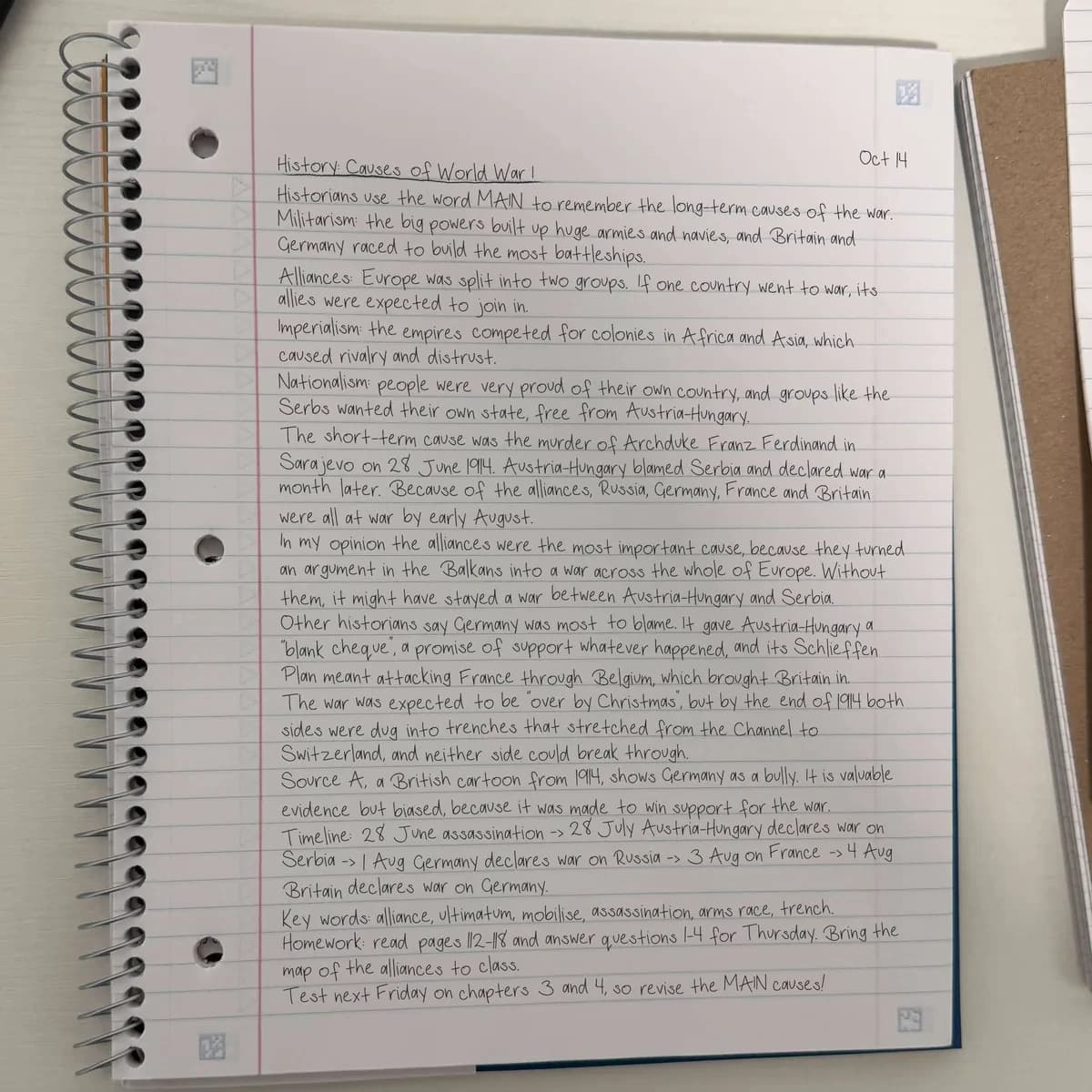
Photo
Place your handwriting in a notebook-style scene when you want an image that looks photographed. Photo scenes are included with Pro and Premium.
The photographs of printed pages above show physical printouts. Photo mode creates a scene-style digital image.
Make the page your own
Explore editor settingsHandwriting and layout
Adjust font size, line spacing, word spacing and margins. Pro includes the full built-in font library, paper and scene libraries and additional page formats.
Structured content
Work with headings, lists, tables and mathematical notation. Starter and above also support images in your document.
Finishing details
Starter adds paper texture and ink flow variation. Pro adds handwriting variation. Premium adds hand-drawn marks, including highlights and shapes.
Questions before you download
Can I import PDF, Word or PowerPoint files?
Document import is available on Starter, Pro and Premium. You can import PDF, DOCX, PPTX and supported image files up to 50 MB. The importer processes up to the first 100 source pages. Imported content is reflowed in the editor; it does not preserve the original page layout exactly. Review the text, equations and layout before downloading.
Can I use my own handwriting?
Premium lets you upload a handwriting font in TTF, OTF, WOFF or WOFF2 format. You need a font file, not a photograph of handwriting. If you do not have one, follow our guide to creating a font before uploading it.
Create a handwriting fontHow many pages can one document contain?
The limit is 25 generated pages without an account, 50 on Free, 100 on Starter, 250 on Pro and 500 on Premium. This is a limit per document, not a credit allowance. Downloading also depends on your available page credits and the features used.
Can I download multiple pages together?
Yes. ZIP downloads are available on every plan, subject to page credits and feature access. Pro and Premium also support a multi-page PDF. JPG and JPEG refer to the same image format.
Will every font support my text?
Character coverage varies by font. Check the preview for missing characters and choose a font that supports your text before downloading.
Used by students and professionals
Registered users include people with email domains from universities and global companies.
Company email domains represented





University email domains represented










Logos indicate registered user email domains and do not imply official partnerships, sponsorships, or endorsements.
Need help with your page?
Business printing and API
For mail merge, personalized business mail and API access, explore HandTextAI Business, a separate product with its own pricing.
Explore HandTextAI Business