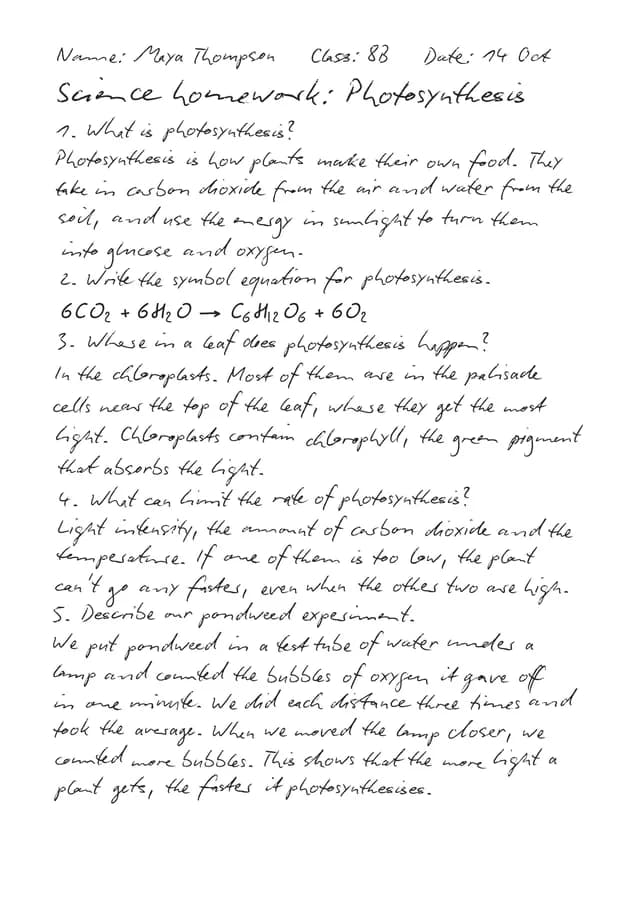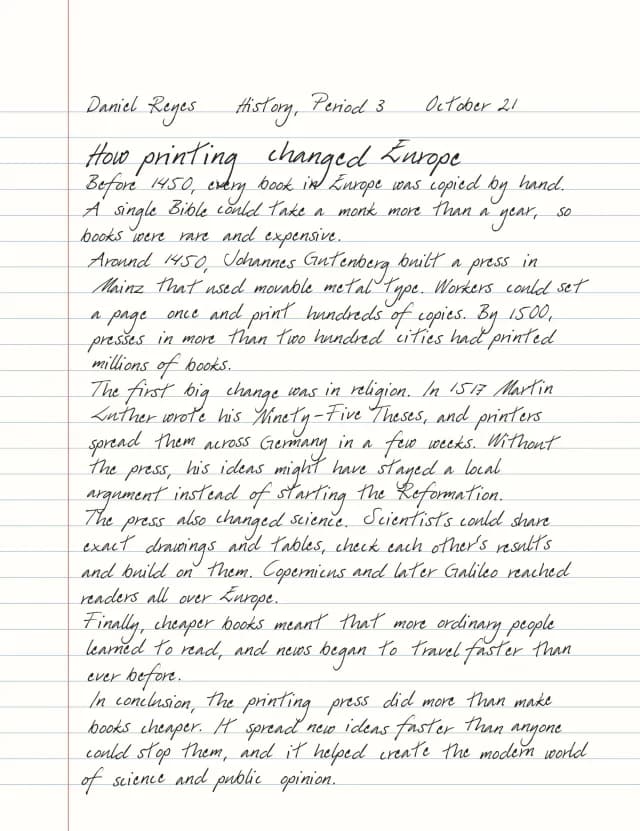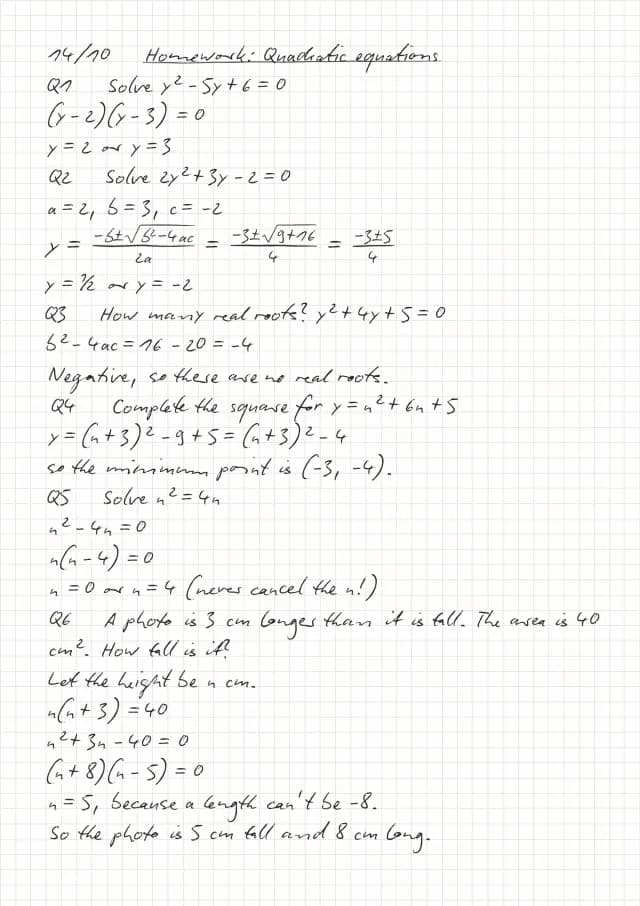
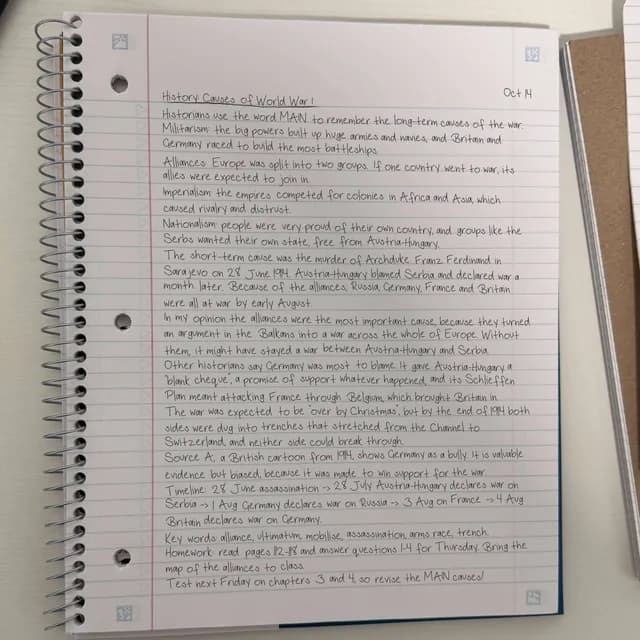
Handwritten notes as a notebook photo
Your text written into a photographed spiral notebook, page by page, as if you took a picture of it.
| Settings | |
|---|---|
| Handwriting | Font 10 |
| Size | 25 |
| Photo | Ruled Spiral · Pro |
| Randomize scenes | Off (one photo) |
| Realism | Subtle |
It replaces the text in the editor; Undo brings yours back. On plans with saved documents it opens as a new document.
Build it from scratch
- Type or paste the notes. A date at the top right and an underlined title make it look like a real page.
- In the look bar, switch from Print to Photo, then pick a notebook. Ruled Spiral is the one in this example.
- With Randomize scenes on, every page gets a different photo of that notebook; turn it off to use one photo for every page.
- Choose a handwriting that suits the notebook. Font 10 is free.
- Check the pages and press Download.
Photo pages need Pro to download. They come in Standard quality, as JPG or PDF, and Draw doesn’t work on them.
Variations
Free: stay in Print on College Ruled with Write on the lines. You get a clean page instead of a photo.
Squared or German ruling: the photos include Graph Spiral, Maths Book and three Lineatur exercise books.