
Free text to handwriting: what you can do without paying
HandtextAI is free to try in full: type or paste text and preview handwritten pages without an account, in every handwriting, on every paper. Downloading needs an account, and a new one gets 5 free pages, once, as JPG files with no watermark, in 11 handwritings on plain or ruled A4. Paid plans add more pages, PDF and the rest.
Short answer
- Previewing is free, without an account. Type or paste into the editor and the pages are drawn next to your text. Every handwriting, paper and setting can be tried this way.
- Downloading needs an account. A new account gets 5 free pages, once. No card is needed.
- Free pages are JPG files in Standard quality, with no watermark.
- The free look: Fonts 1 to 10 and Font 96, on Plain, College Ruled or Wide Ruled paper, A4.
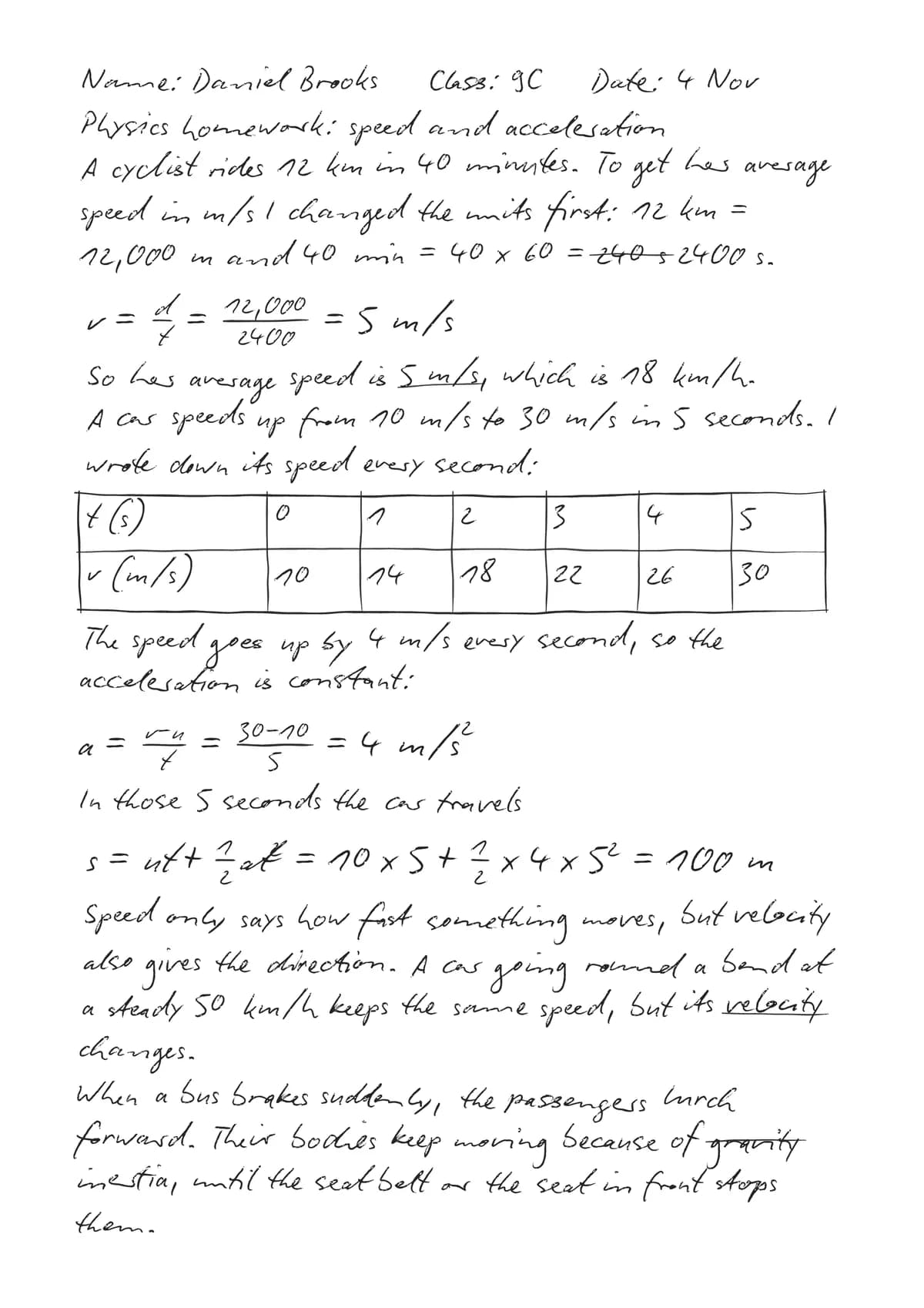
The page above uses free settings only. Its recipe is handwritten homework from typed text.
What can I download for free?
Everything on this list downloads with the 5 free pages:
- Handwritings: Fonts 1 to 10 and Font 96, eleven in all. The font browser marks Fonts 7 and 96 as Recommended.
- Papers: Plain, College Ruled and Wide Ruled. On the ruled papers, Write on the lines puts every line of text on a printed line.
- Page size: A4.
- Formulas and tables: a formula goes in with Maths and is drawn in the same handwriting; Insert table adds a table.
- Realism: Natural movement, which shifts words, line starts and line spacing a little, like a real hand.
- Ink: black, blue, red, green, purple or any of 40 colours.
- Files: JPG, one image per page, as separate files or in one ZIP. On a phone, Save to Photos puts the pages into your photo library. All formats are in How to use: Download.
What are the limits of the free plan?
- 5 pages, once. They do not renew each month. Each page you download uses one. Downloading the same unchanged page again is free, on any device.
- A mark on previews. Without a paid plan, previews carry a small “Preview · HandtextAI” mark. Downloads never have it.
- Document length. Signed out, the preview shows the first 25 pages of a text; a free account can have up to 50 pages in a document.
- Paid options stop at the download. You can turn on anything in the preview. If your look uses a paid option, the Download panel names it and offers to switch to free settings.
Free, Starter, Pro and Premium
| Free | Starter | Pro | Premium | |
|---|---|---|---|---|
| Price a month | $0 | $5.99, or $3.99 billed yearly | $9.99, or $6.49 billed yearly | $19.99, or $12.99 billed yearly |
| Pages to download | 5, once | 150 a month | 600 a month | 2,000 a month |
| Pages in a document | 50 | 100 | 250 | 500 |
| Handwritings | Fonts 1–10 and 96 | Fonts 1–10 and 96 | All 96 | All 96, and your own font |
| Papers | Plain, College Ruled, Wide Ruled | Plain, College Ruled, Wide Ruled | Every paper and photo scene | Every paper and photo scene |
| Page sizes | A4 | A4 | All 11 | All 11 |
| File formats | JPG | JPG, PNG | JPG, PNG, PDF | JPG, PNG, PDF |
| Quality | Standard | Standard | Standard, HD | Standard, HD, 4K |
| Realism | Natural movement | Adds Inkflow and paper texture | Adds Vary each letter | Same as Pro |
| Also | Saved documents, images in your text, file import | Marks and Draw, AI Writer |
Prices on the plans page are the current ones. Unused pages stay in your balance while a subscription is active, and yearly plans get all twelve months of pages up front. Purchases are not refunded, so try the free pages first.
How do I get the most from 5 free pages?
- Finish in the preview. Previews use no pages. Read the page through, fix typos and settle the look before you press Download.
- Stay on free settings. A handwriting from Fonts 1 to 10 or Font 96, one of the three free papers, A4, JPG and Standard quality. The how-to guide lists what each plan includes.
- Fit more on a page. A page costs one page whatever is on it. A smaller Size, College Ruled instead of Wide Ruled, or narrower Margins put more lines on each one.
- Download only the pages you need. In the Download options, Pages lets you choose, for example 1-3, 5.
- Change a page only when you must. An unchanged page downloads again for free; a changed one counts as new.
When is a paid plan worth it?
- You need more pages, pictures in the text or saved documents: Starter. It also reads PDF, Word and PowerPoint files into the editor, up to 100 pages.
- You need a PDF, another handwriting or paper, a notebook photo, or a page size other than A4: Pro. It also adds Vary each letter, which writes repeated letters differently each time.
- You want your own handwriting, hand-drawn marks, 4K or AI Writer: Premium.
The recipes say which plan each look needs. See also how to make typed text look like real handwriting.
Questions
Is HandtextAI free?
Partly. Previewing is free without an account, with every handwriting and paper. Downloading needs an account, and a new account gets 5 free pages, once, as Standard-quality JPG files. After that, downloading new pages needs a paid plan: Starter, Pro or Premium.
Do the free pages have a watermark?
No. Pages you download from HandtextAI never have a watermark, on the Free plan or any other. Only previews carry a small “Preview · HandtextAI” mark, when you have no paid plan or when the look uses something your plan doesn’t include.
Do I need an account or a card to try it?
No account is needed to type, paste and preview. To download you sign in with Google or with a link sent to your email, and the 5 free pages need no card.
What happens when my 5 free pages are used up?
Previews stay free, and pages you already downloaded can be downloaded again at no cost. The free pages do not renew, so downloading new pages then needs a plan. Starter, the smallest, has 150 pages a month.
Can I download a PDF for free?
No. PDF needs the Pro or Premium plan. On the Free plan, HandtextAI downloads JPG images, one per page, as separate files or in one ZIP.
Recipes
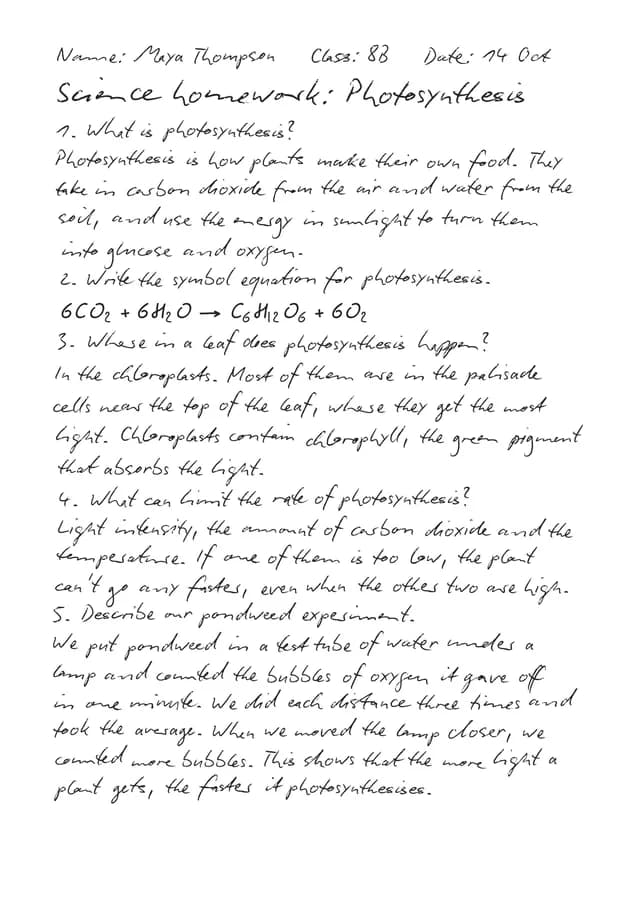 Homework assignmentFont 7 · Plain · A4
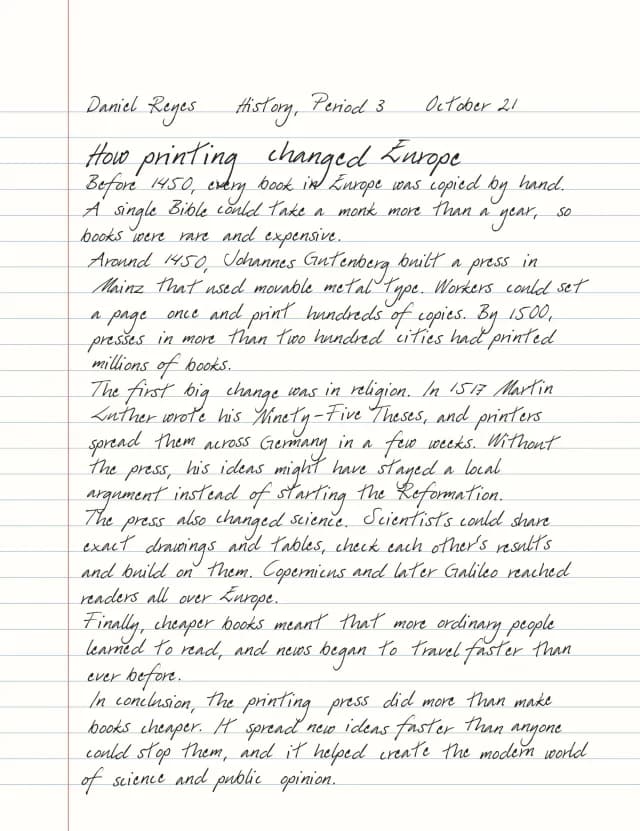 History essayFont 96 · Wide Ruled · Letter
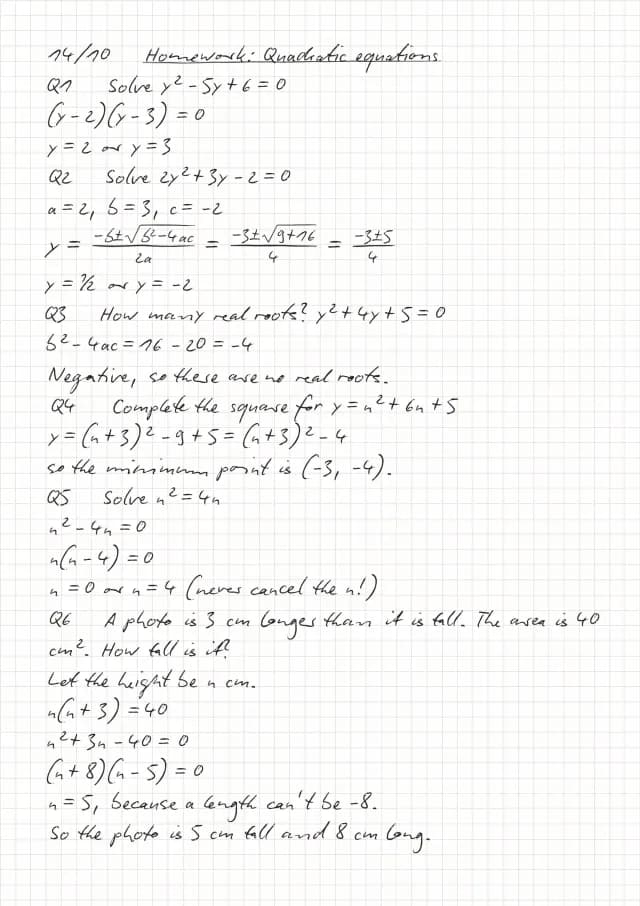 Maths on squared paperFont 7 · 5mm Squared
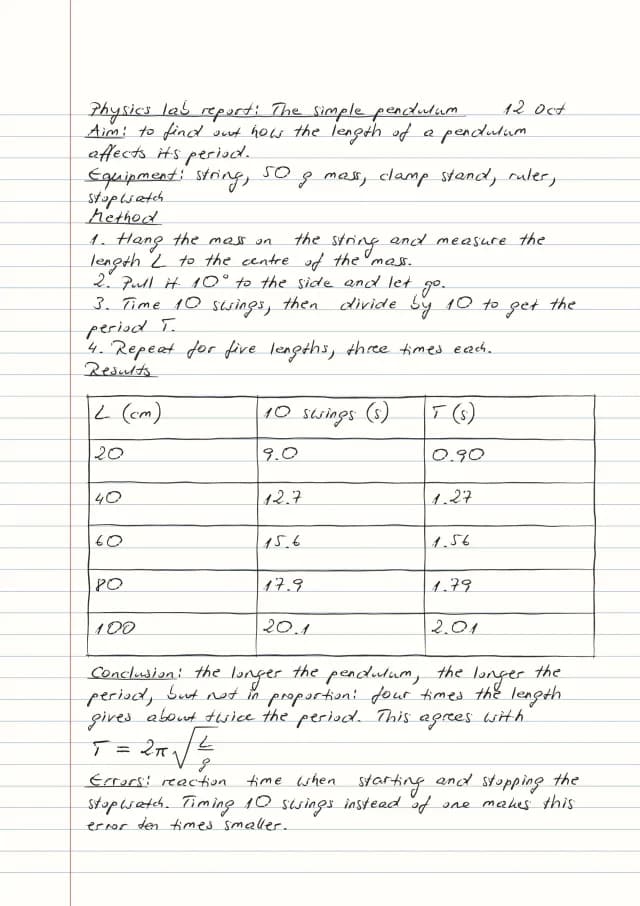 Lab reportFont 2 · College Ruled · table
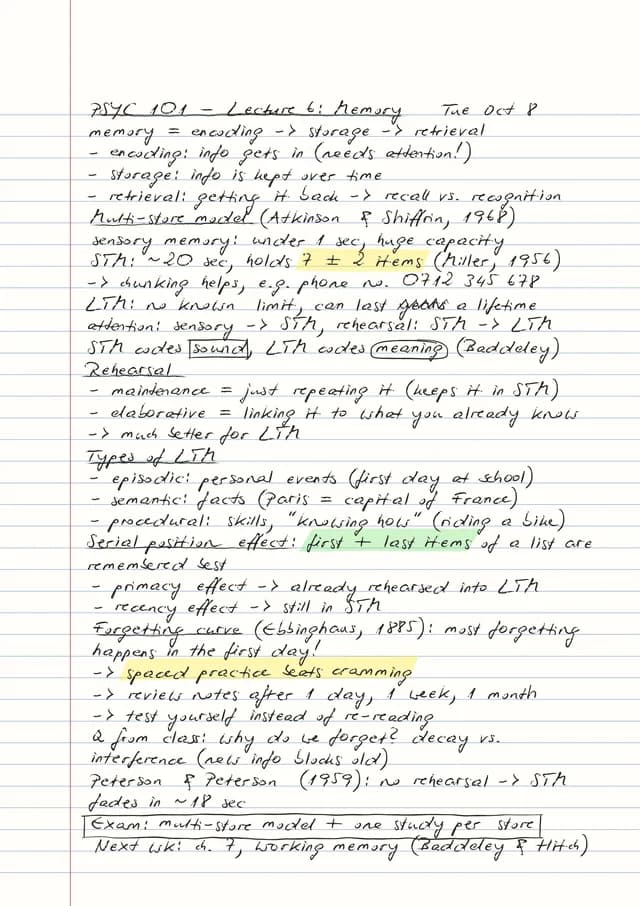 Lecture notes with marksFont 2 · College Ruled · marks
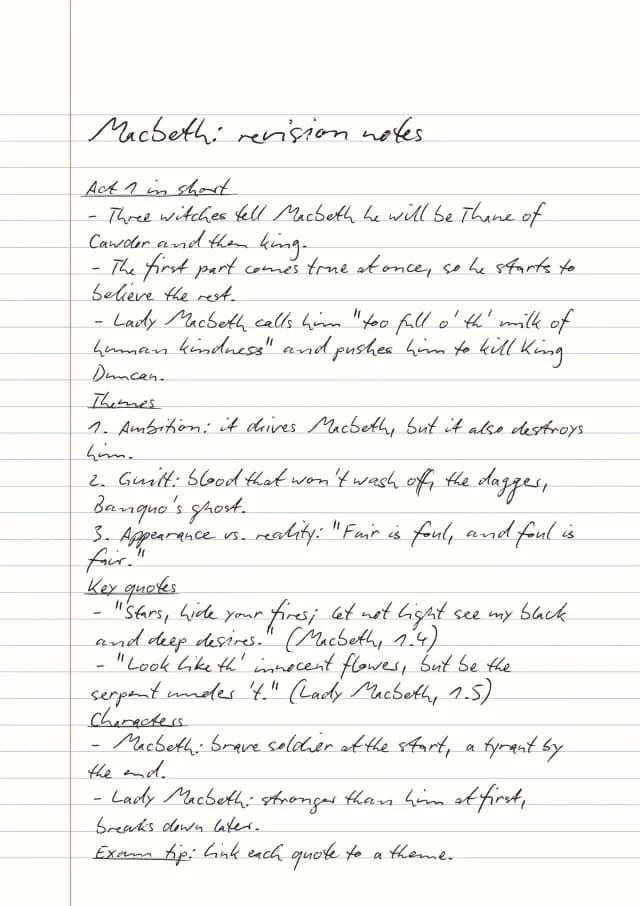 Revision notesFont 7 · Wide Ruled
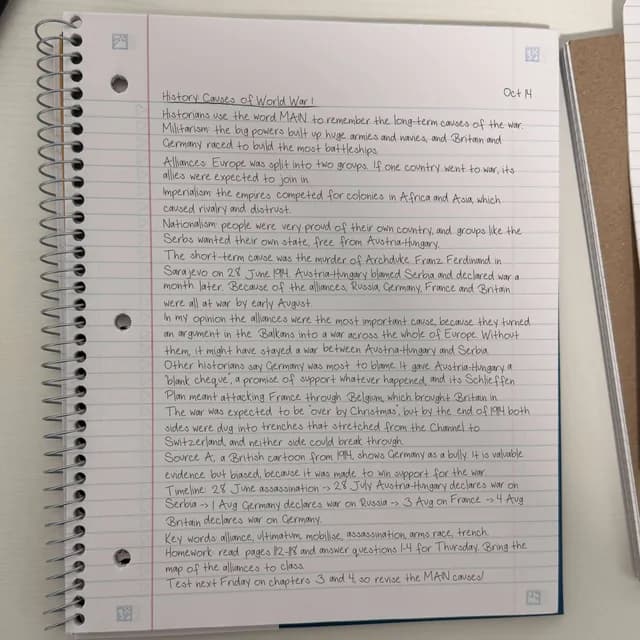 Notebook photoFont 10 · Ruled Spiral photo
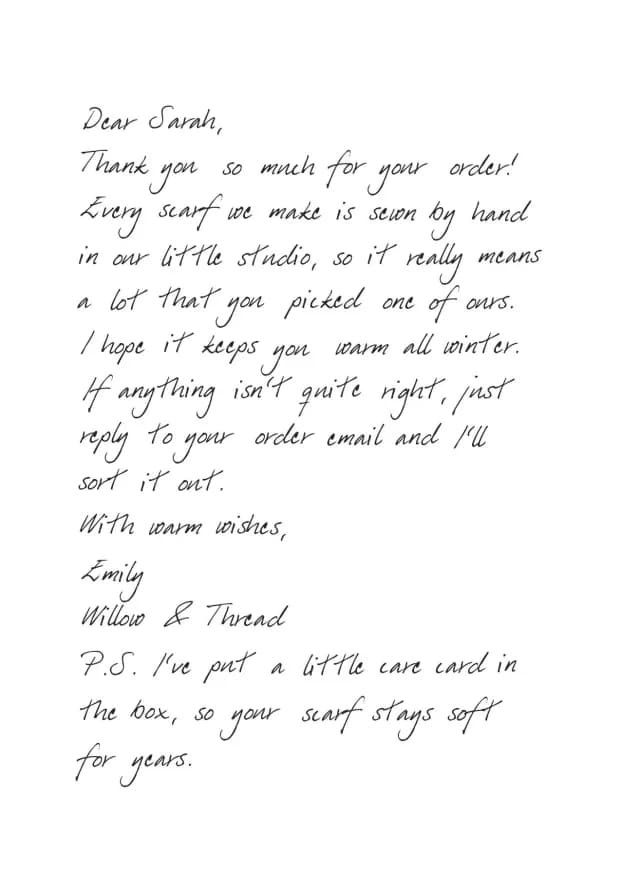 Letter or cardFont 96 · Greeting card
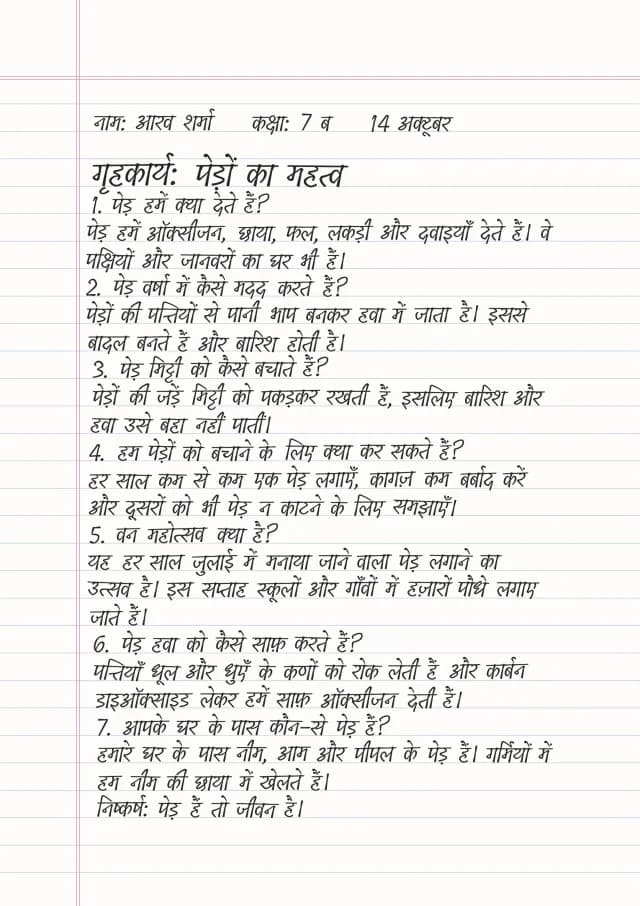 Other alphabetsHindi, Cyrillic, Greek, Arabic…