Portuguese text to handwriting
Type or paste Portuguese and get pages written by hand: ã, õ, ç, á, â, ê, ô and à, in 66 handwritings.
| Settings | |
|---|---|
| Handwriting | Font 96 |
| Size | 26 |
| Paper | Print · College Ruled |
| Write on the lines | On, 1 line |
| Page | A4, portrait |
| Realism | Natural |
It replaces the text in the editor; Undo brings yours back. On plans with saved documents it opens as a new document.
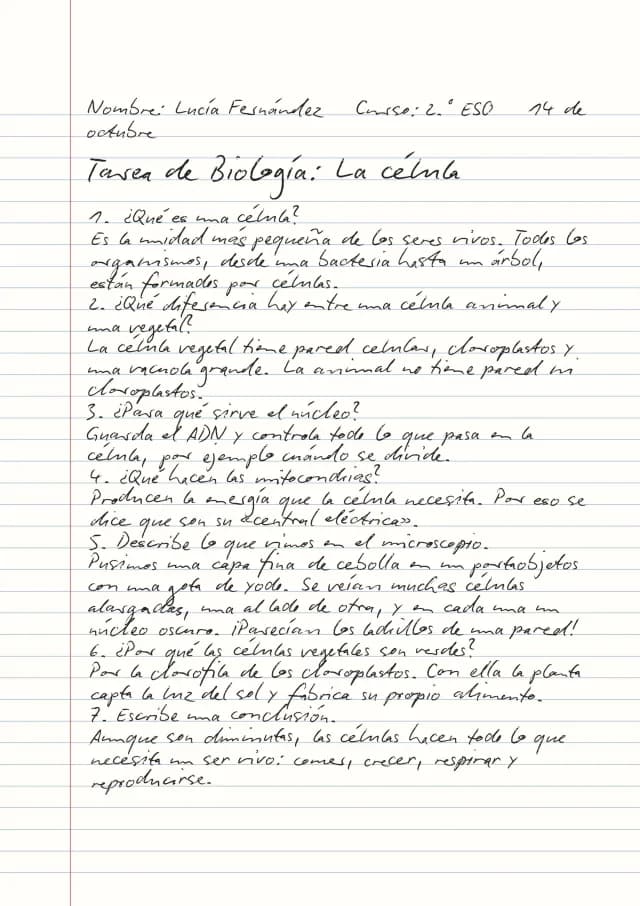
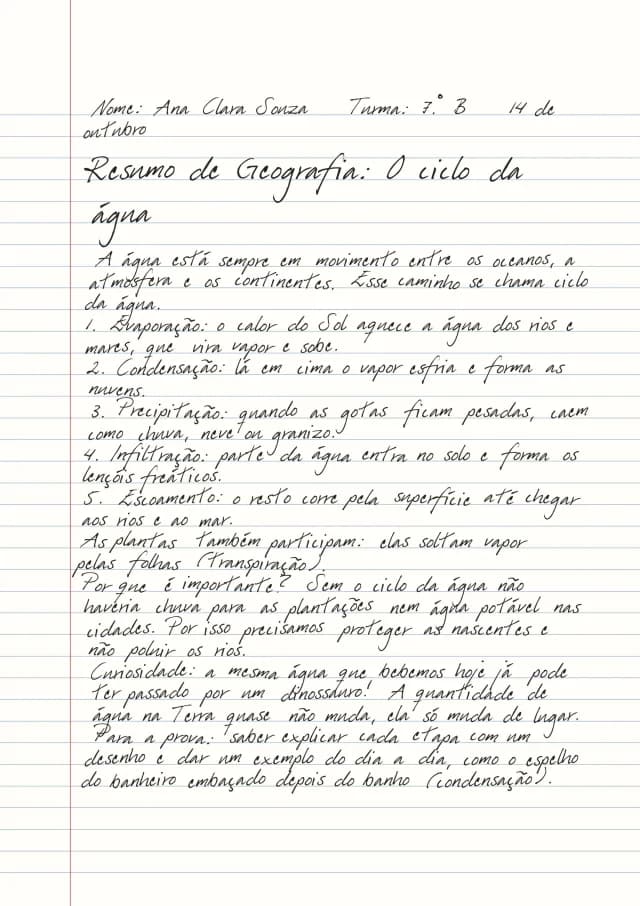
HandtextAI writes Portuguese: ã, õ, ç, á, â, ê, ô and à. The page above is geography notes about the water cycle, typed in Portuguese and written in Font 96. Open it in the editor and change the text to your own.
Write Portuguese by hand in four steps
- Type or paste your Portuguese text. Text from ChatGPT, Google Docs or Word keeps its headings, lists and tables.
- Open the handwriting chip in the look bar. The list now shows only the handwritings that write Portuguese; Fonts 96, 7 and 2 are a good start.
- Pick the paper and the page size. Write on the lines puts every line on a printed line of ruled or squared paper.
- Watch the page update as you go, then press Download: JPG, PNG or PDF.
Handwritings for Portuguese
66 handwritings write every Portuguese letter; Fonts 2, 3, 5, 6, 7, 8 and 96 are free. Formulas, tables, marks and every other part of the editor work the same in Portuguese.
Tips for Portuguese
- Brazilian and Portuguese spelling both work: the handwriting draws every accent and the cedilla.
- Numbered lists stay numbered on the page, which suits summaries like this one.
- For a notebook look, switch to Photo and pick a ruled notebook (Pro).
Everything in this example downloads on the free plan: Font 96, College Ruled and A4.