HandtextAI API access
Text to handwriting API for business print workflows
Generate handwritten-style PNGs and print-ready PDFs for personalized postcards, customer notes, greeting cards, letters, envelopes, and direct mail workflows. Use API access when you need repeated output from business data instead of creating each page manually.
Short answer
HandtextAI API access is for businesses that need automated typed-text-to-handwriting output for printing. It supports PNG and PDF generation, print formats, previewing, address output, and CSV/template batch personalization.
Handwritten-style PNGs and PDFs
Generate transparent PNG output for overlays or white-background PDF output for printing.
Print formats and orientation
Use supported paper, card, postcard, and envelope sizes in portrait or landscape at 300 or 600 DPI.
PDF settings for print providers
Create standard PDFs or print-ready files with bleed, crop/trim boxes, PDF/X-1a, and provider presets.
Batch personalization
Use CSV rows and template variables to create many personalized cards, letters, or address outputs in one run.
Request access
Tell us about your API workflow
User signal
Professionals from global company domains use HandtextAI
Registered users include business email domains from well-known companies, which is why API access focuses on practical print and direct mail workflows.





Logo signals are based on registered user email domains and do not imply official partnerships or endorsements.
API vs web editor
Use the API for automation, not one-off page editing
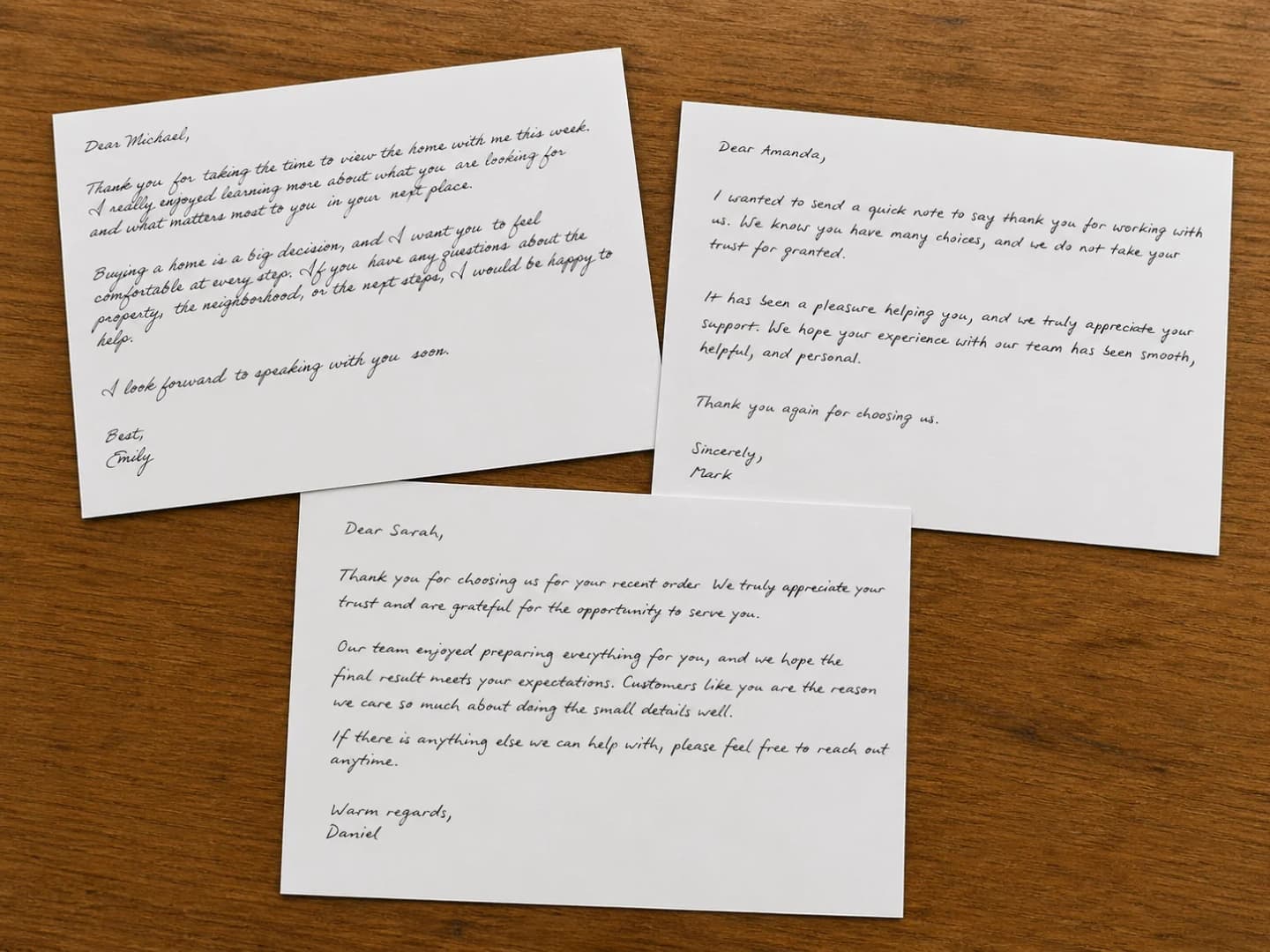
The HandtextAI web editor is best when a person wants to create and adjust a handwritten-style document manually. API access is different: it is for business systems that need to create repeated handwritten-style output from customer data, order data, CSV rows, or application templates.
Print output
Print formats, PDF settings, and batch files
The API is built around fixed-size printed output. Choose a page size and orientation, preview the layout, then generate the final PNG or PDF file for the job.
Supported print sizes
- A3, A4, A5, and A6 pages
- US Letter, Legal, and Half Letter documents
- US postcards, 5x7 cards, A2 cards, square cards, and 96x135mm cards
- DL, #10, and Monarch envelope content sizes
Output choices for printing and integration
PNG output
Use transparent PNG output when your workflow needs a handwriting layer that can be placed into another design or document system.
PDF output
Use white-background PDF output for print jobs, mail pieces, cards, letters, and printer-friendly document delivery.
Print provider settings
Configure bleed, crop and trim boxes, ICC profiles, PDF/X-1a, and presets for Lob or Click2Mail workflows when those settings are required.
Batch files
Batch jobs can create ZIP PNG, ZIP PDF, or combined PDF output from CSV rows and a reusable message template.
Use cases
Handwriting API use cases for business printing
These workflows are strongest when handwritten-style output is part of a repeated customer communication or print process.
Personalized direct mail
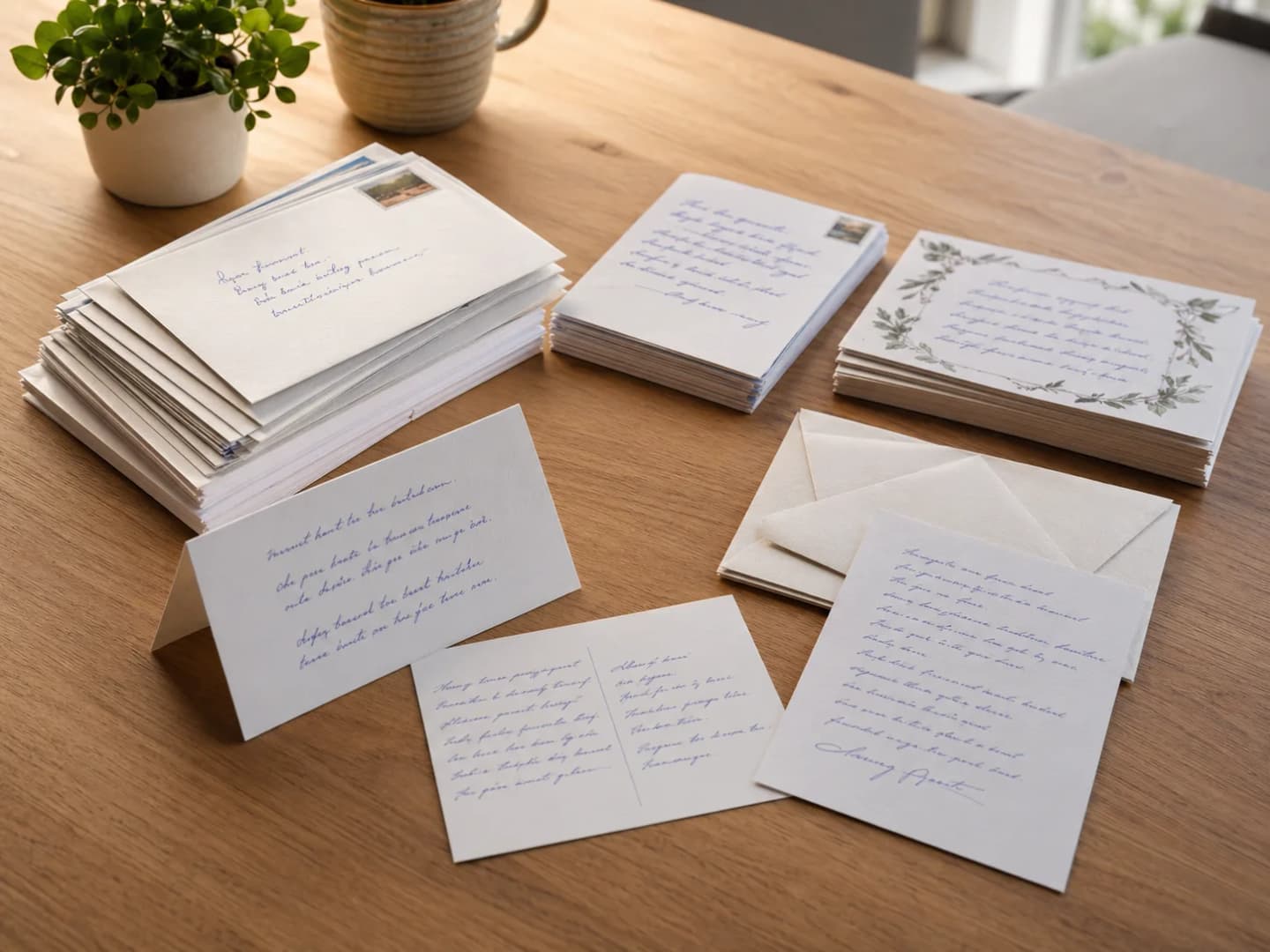
Create handwritten-style postcards, customer notes, and mail pieces from personalized business text.
- Use print-ready PDF output for mail production.
- Prepare customer messages without a manual design step for every recipient.
- Connect the workflow with your CRM, print provider, or internal mailing process.
Print-ready postcards, cards, and letters
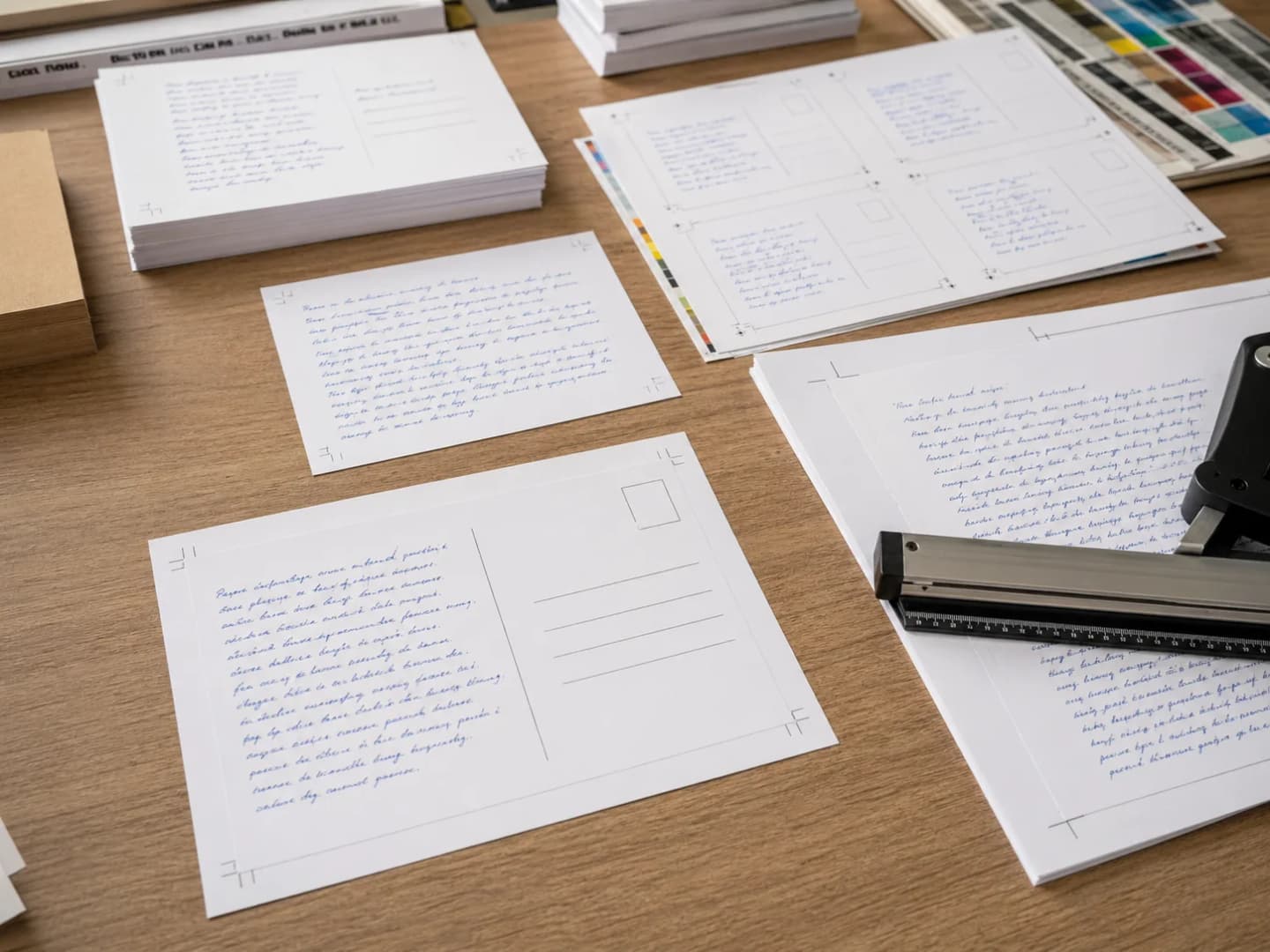
Choose the page size that matches the final printed piece, then generate handwriting on the exact output format.
- Use postcard, card, letter, and envelope formats.
- Select portrait or landscape output.
- Use PDF options such as bleed, trim, crop boxes, and PDF/X-1a when your printer requires them.
CSV and template batch workflows
Turn one message template into many personalized outputs by filling variables from a CSV file.
- Use placeholders such as {first_name}, {order_number}, or {street_address}.
- Preview a few rows before generating the full batch.
- Download ZIP PNG, ZIP PDF, or a combined PDF depending on the job.
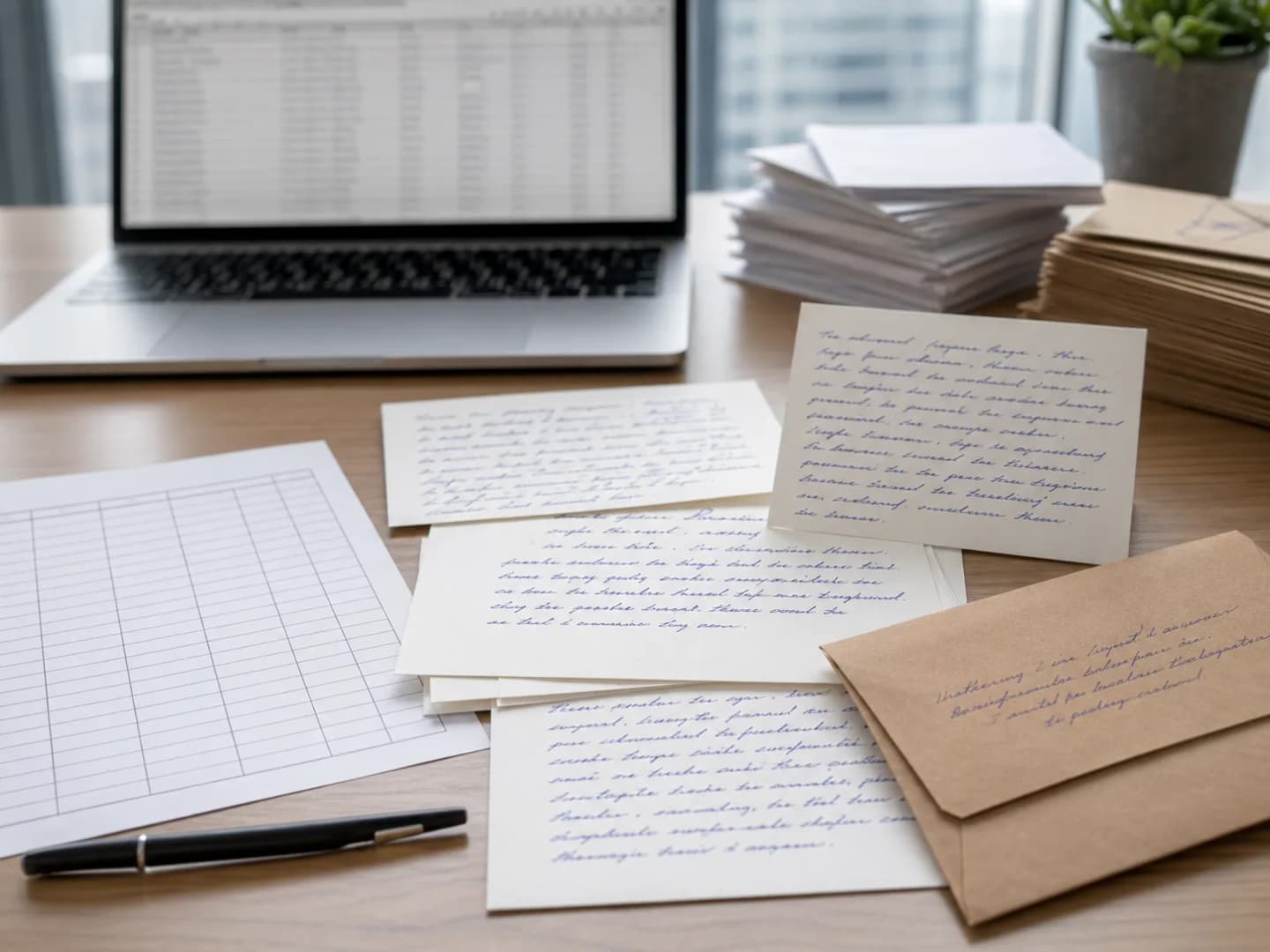
Business notes and customer messages
Use handwritten-style output for thank-you notes, renewal reminders, greeting cards, and relationship messages.
- Best for repeated business messages that need a personal printed feel.
- Use the web editor for one-off manual pages and API access for automation.
- Use address mode when you need short envelope-address output.
Workflow
How API access usually starts
Share the print job you need to automate, then use previews and sample rows to lock in the output before production generation.
Request access
Share your company, country or region, expected monthly volume, and print workflow.
Choose output settings
Use the right page size, orientation, DPI, font, margins, and PDF settings for your output.
Preview before production
Use watermarked previews or sample batch rows to confirm layout before generating final files.
Generate final files
Create PNG, PDF, ZIP PDF, ZIP PNG, or combined PDF output depending on the workflow.
FAQ
Text to handwriting API questions
Clear answers for direct mail teams, print workflows, postcard products, customer note platforms, and developers evaluating API access.
What is the HandtextAI text-to-handwriting API?
The HandtextAI API turns submitted text into handwritten-style PNG or PDF output. It is built for business workflows that need cards, letters, postcards, envelopes, or direct mail pieces instead of manually creating each handwritten-style file.
How is API access different from the web editor?
The web editor is best for manual document creation. API access is for automated and higher-volume workflows where a business needs to generate repeated handwritten-style output from application data, CRM fields, CSV rows, or templates.
Can the API create print-ready PDFs?
Yes. The API can generate PDF output with a white background for printing. It also supports print-focused options such as bleed, crop and trim boxes, PDF/X-1a, CMYK conversion, ICC profile selection, and provider presets for workflows such as Lob and Click2Mail.
Which page sizes does the API support?
The API supports common print sizes including A3, A4, A5, A6, US Letter, Legal, Half Letter, US postcards, 5x7 cards, A2 cards, square cards, 96x135mm cards, DL envelopes, #10 envelopes, and Monarch envelopes.
Does the API support batch generation?
Yes. Batch generation uses CSV files and templates with variables such as {first_name} or {street_address}. It is currently primarily available through the dashboard, and API-key batch access can be discussed when you request API access.
Can I use the API for envelope addresses?
Yes. Address mode is available for short envelope-address output. It supports up to 5 rendered lines and up to 250 characters, with manual or automatic font sizing.
Can I upload a custom font to the API?
Not currently. The API uses a curated catalog of 90 licensed handwriting fonts. You can fetch the font catalog and choose fonts by numeric font ID.
What should I include in my API access request?
Include your business use case, expected monthly volume, country or region, target output such as postcards or letters, and whether you need PDF, batch generation, address output, or print provider settings.
Ready to discuss API access?
Send your expected volume, country or region, and print workflow. We will use that context to respond with the right next steps.